

Video Editing Takes Too Long: How to Cut Your Editing Time by 80%
Is video editing taking too long? Discover practical strategies to drastically reduce your editing time by up to 80% and reclaim your creative freedom. Learn workflows, tools, and mindset shifts for faster video editing.

I remember it like it was yesterday. It was 2 AM, my eyes were burning, and the same 12-second clip had been on a loop for what felt like an eternity. I was trying to decide if the jump cut worked better before or after I took that awkward sip of water. My cat, probably judging my life choices (and frankly, fair enough), was curled up asleep on a pile of cables right next to my desk. Five hours. Five solid, mind-numbing hours had vanished, and I still hadn't even finished the rough cut of a measly 5-minute video.
Sound familiar? Or, perhaps, painfully so?
If you've ever found yourself muttering "video editing takes too long" under your breath, or maybe even shouting it at your unresponsive monitor while your neighbors wonder what's going on, trust me, you are absolutely not alone. This isn't just some casual complaint; it's a genuine, shared struggle among content creators. We dream of crafting engaging videos, getting our message out there, building our brand… but the sheer, brutal time commitment of editing can just feel like this utterly insurmountable mountain. For me, it often felt like pushing a boulder uphill, only for it to roll back down right when I thought I was making progress.
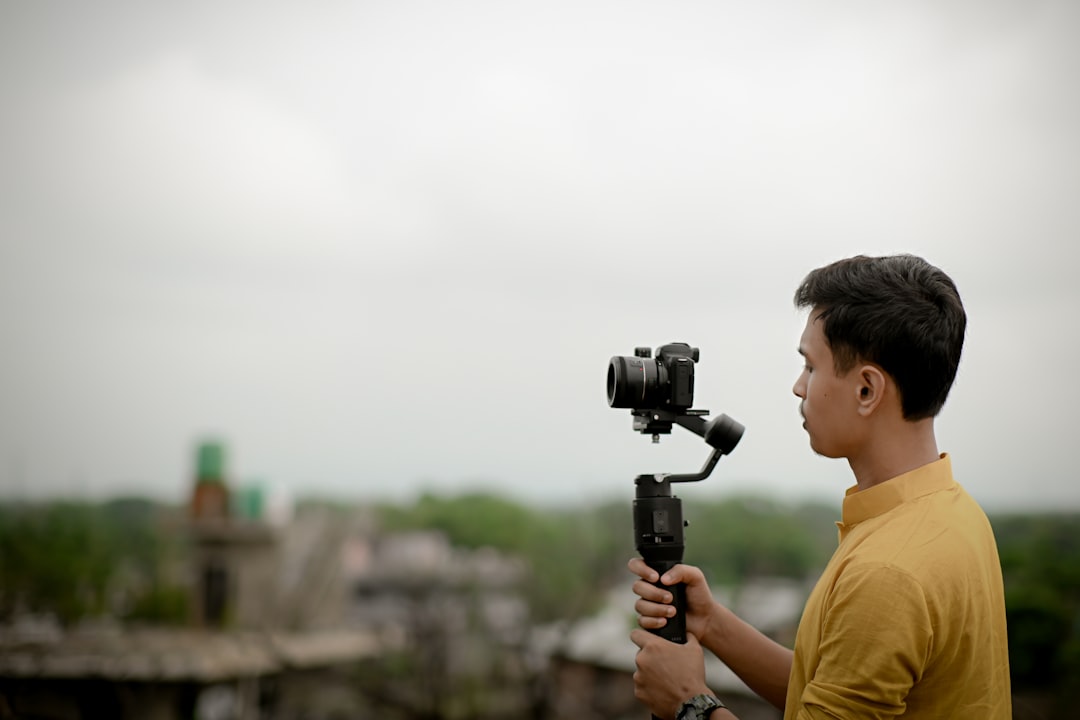
Photo by Shiv Narayan Das on Unsplash
Honestly, for many of us, editing isn't just a bottleneck; it's often the thing that absolutely murders creative momentum. It's the reason brilliant ideas never see the light of day. It's why consistent content creation often feels impossible, a goal perpetually out of reach. And you know what? It really, truly doesn't have to be this way.
What if I told you there's a way you could actually slash your video editing time by, like, 80%? Seriously. That a 5-hour edit could become a 1-hour breeze? That a 2-day marathon could shrink to a few focused hours? Sounds a bit like a dream, right?
Look, I'm not promising magic buttons or AI that edits the video exactly as you envision (not yet, anyway, though we're working on some cool stuff!). But I am going to share some strategies, workflows, and mindset shifts that I've picked up, often the hard way, and that have helped me and countless other creators I know turn the editing grind into a streamlined, almost… dare I say… enjoyable part of the creative process. This isn't about rushing your work; it's about being incredibly efficient, intentional, and just plain smart about it.
Photo by Kevin Doyle on Unsplash

Ready to reclaim your evenings, maybe actually pet your cat without the guilt of unfinished work, and finally get those videos out the door? Let's dive in.
Why Does Video Editing Feel Like a Time Warp? (It's Not Just You, I Promise!)
Okay, so before we dive into the "how-to," let's just chat for a sec about why this whole "video editing takes too long" thing even happens to begin with. Because, let's be real, it's not always about needing more skill, is it? Often, it's just a combination of totally preventable pitfalls that we all, myself included, fall into.

I've talked to so many creators over the years, and time — specifically editing time — is almost always at the top of their "biggest headaches" list when it comes to producing video content. And a huge chunk of that time drain? You guessed it: editing.
In my experience, and I've certainly been guilty of these myself, here are some of the usual suspects that eat up our precious editing hours: